Skip to content
Automation

PLC, recipes to ISA 88, control systems & visualisation

Consulting

Analysis, digitalisation concepts, project support

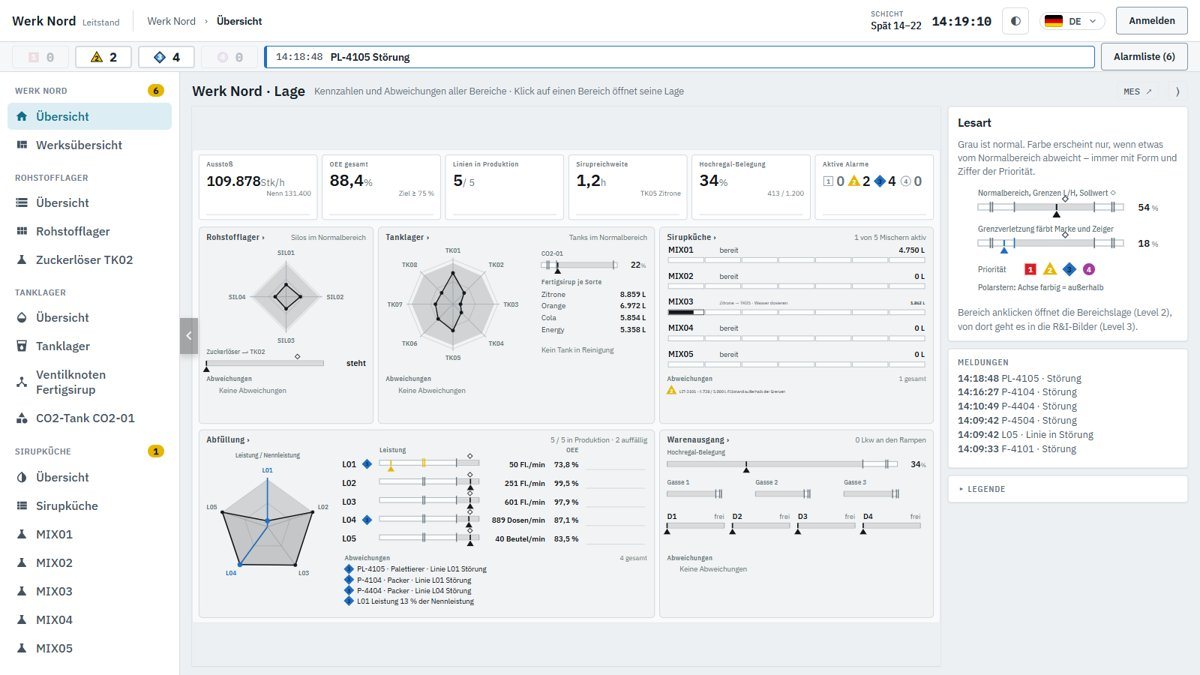
Try the Werk Nord control room live
ISO 9001Inductive Automation IntegratorAVEVA IntegratorSepasoft Integrator
All services at a glance

Project example · Werk Nord

Werk Nord – from enquiry to handover

A beverage manufacturer calls: they want to know why their lines stop, and to trace batches quickly. We show step by step how this leads to a control room, an MES and a mobile app.

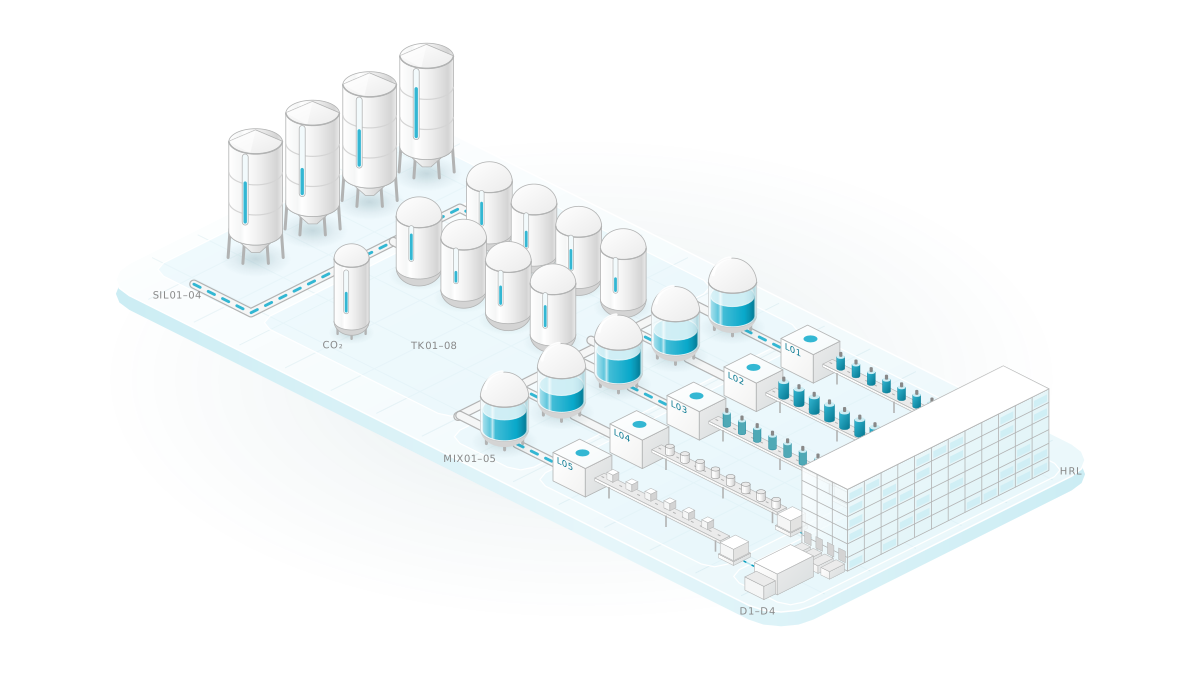
Isometric illustration of Werk Nord: four silos, the tank farm, five mixers in the syrup room, five filling lines and the high-bay warehouse with loading.

At a glance

Filling lines
5
Field devices
290
Data points
2.846
Screens
≈ 200
Languages
14

Step 1 · Enquiry

The call

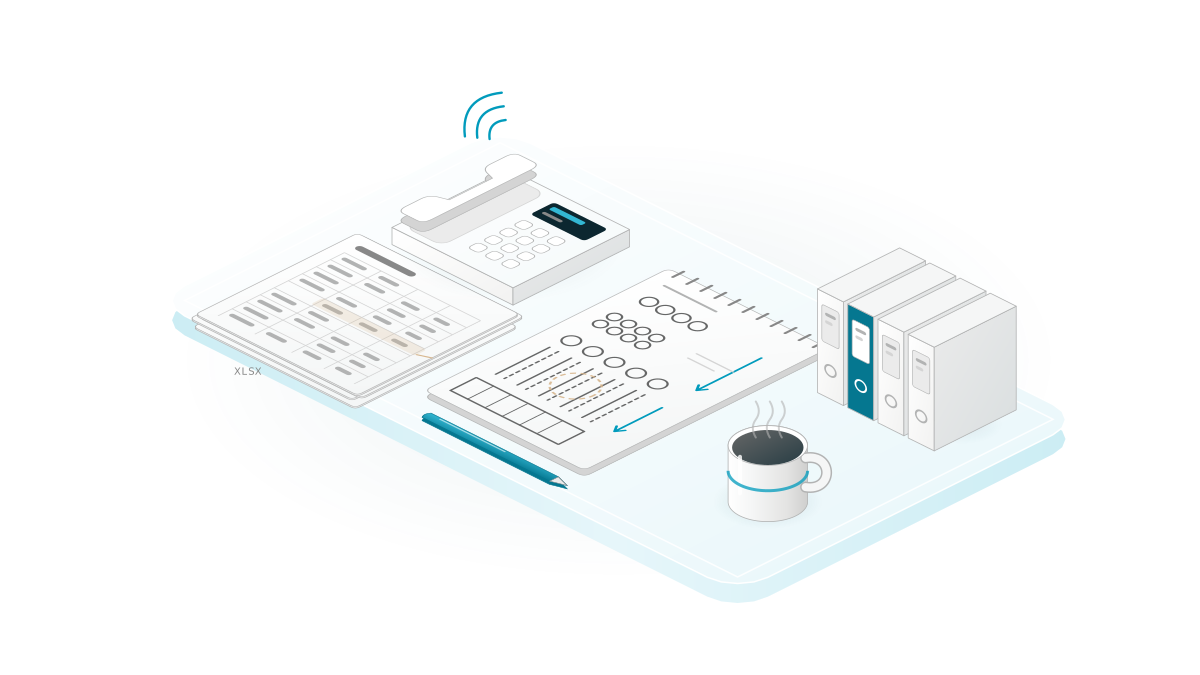
A beverage plant with five filling lines plans with paper and Excel. At the end of the shift, nobody knows exactly why a line stopped – and traceability means leafing through binders.

Illustration: telephone and notepad with a first sketch of the plant.

What the engineers do

  1. Record the starting point: where is data generated today, who writes it down, who needs it?
  2. Clarify the goals: record downtime with a reason, trace batches, make orders plannable.
  3. Involve the workforce: many languages are spoken in the plant – the user interface has to handle that.
  4. Set the framework: contacts, schedule and a date for the on-site survey.

Decision

Show first, then write

Instead of a long concept paper, we build a clickable prototype of the user interface early on. For Werk Nord, it was ready on the first day of the project. This way, customer and engineers talk about the same picture – not about terms that everyone understands differently.

Result One-page target vision and clickable layout prototype

Step 2 · Site survey

Site survey and inventory

We walk the material flow: raw material store, tank farm, syrup room, five filling lines, goods issue. Every plant unit, every data point and every role goes on the list.

Illustration: engineer with a tablet in front of a plant unit, next to a checklist of recorded data points.

What the engineers do

  1. Record plant units: 4 silos, 8 tanks plus a CO₂ tank, 5 mixers of 5,000 L each, 1,200 pallet locations.
  2. Count field devices: 290 valves, pumps, motors, machines, controllers, level and flow sensors.
  3. Record recipes: four syrup types, each batch with six steps from water dosing to transfer.
  4. Define downtime reasons: machine fault, tank empty, packaging missing, jam, format change, cleaning, break.
  5. Clarify roles: operators, shift supervisors, planning, quality assurance, administration – who may trigger what?

Decision

Tanks without a fixed type

The four finished-syrup tanks are not assigned a fixed type. Changeovers go via an empty tank; each line draws from a selectable tank via a valve manifold. This costs valves, but makes planning considerably more flexible.

Result User requirements specification with 290 field devices, four recipes and five roles

Step 3 · Plan

The plan

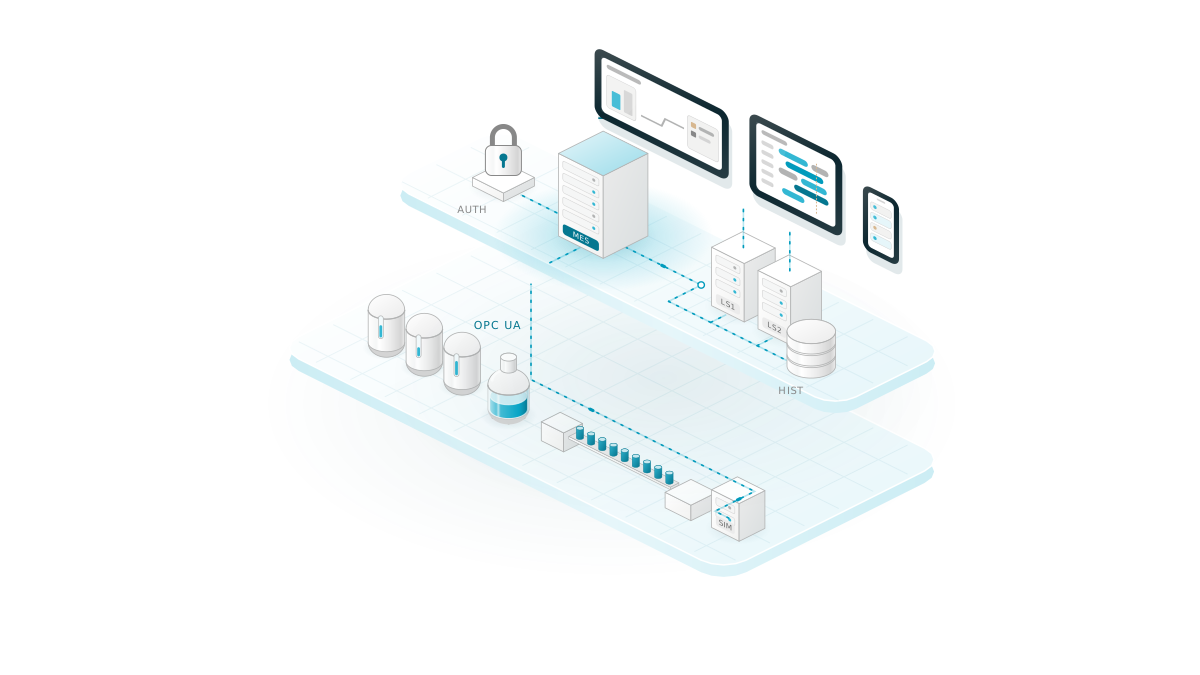
Before any programming starts, the architecture is in place. It defines where data is generated, where the logic runs and who may operate what.

Illustration of the architecture: field level and simulation via OPC UA, gateways, and above them the control room, MES and mobile app.

What the engineers do

  1. Structure the plant according to ISA-95 and ISA-88 – internationally established models for plant, units, recipes and batches.
  2. One backend for the MES, two load-balanced servers for the control room, a dedicated server for the history, plus one for development and fallback.
  3. Operating concept according to ISA-101, the standard for clear operator displays: plant in grey, colour only for status and alarms.
  4. One login for all user interfaces: single sign-on, with roles taken from the user account.
  5. “MES as Code”: model, recipes and user interfaces are generated by script and versioned.

Decision

Everything exactly once

PLC connectivity, alarms, MES modules and automations run on exactly one backend. The control room servers only display and send commands there for validation. If the logic ran twice, quantities would be booked twice.

Result Architecture diagram and functional specification: five gateways, one model, one operating concept

Step 4 · Engineering

Control room, MES and mobile app

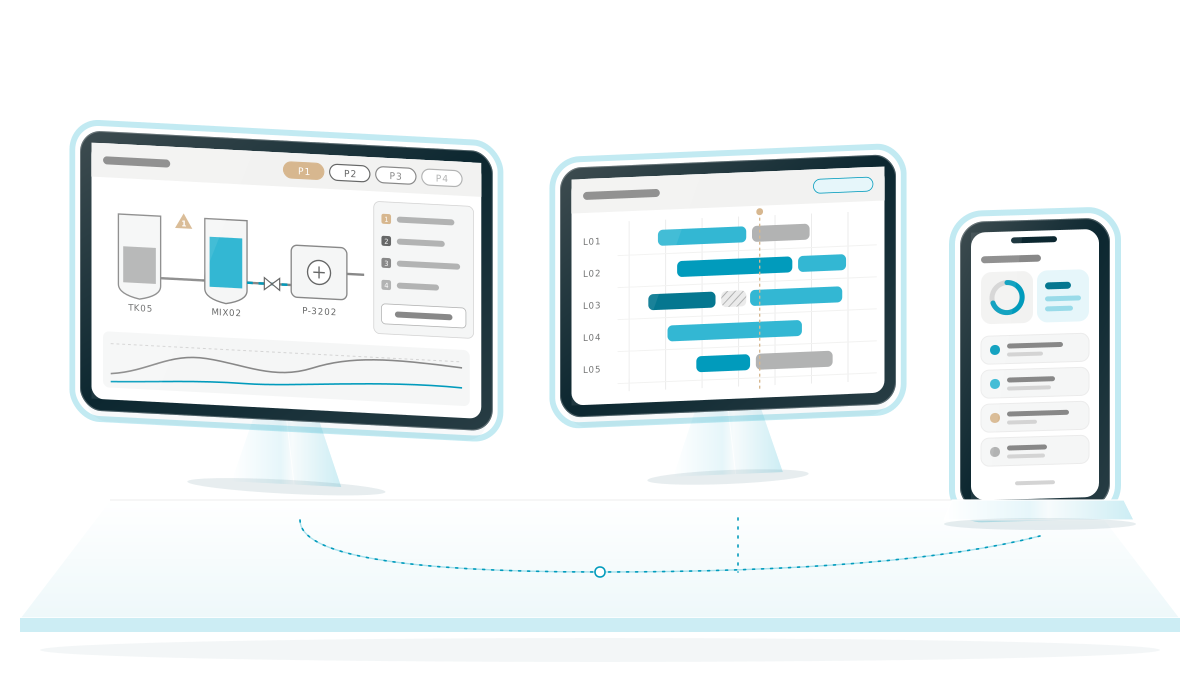
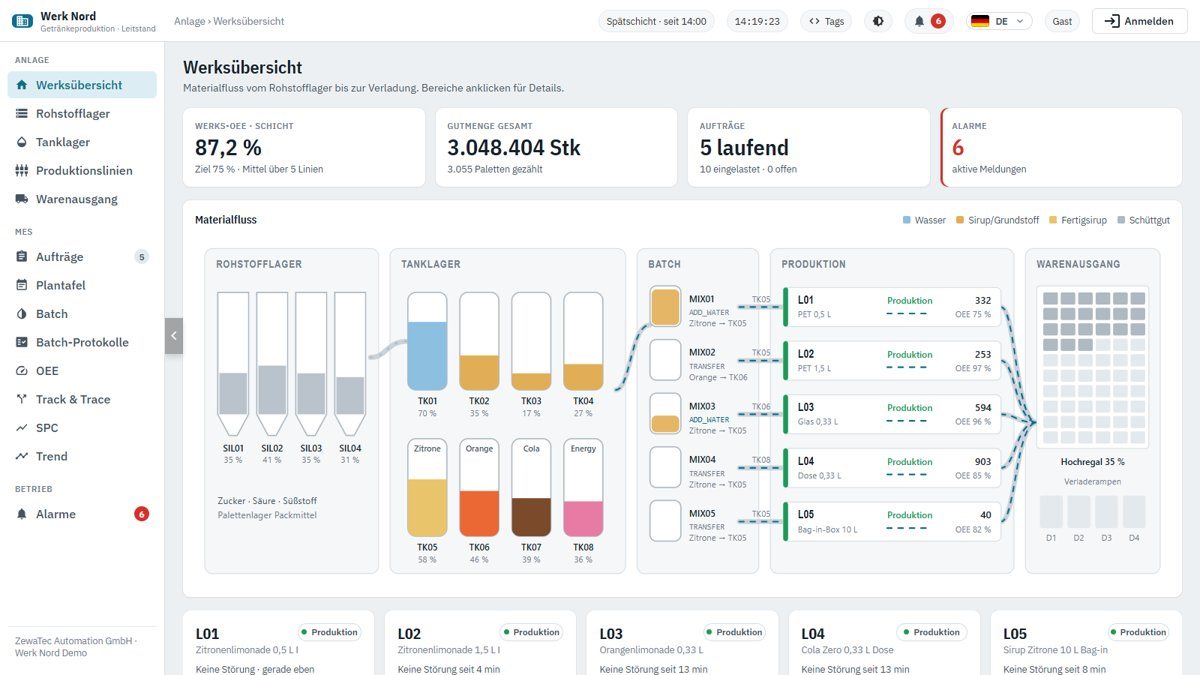
Now the user interfaces are built – with Ignition by Inductive Automation and the MES modules from Sepasoft. We generate screens, data points and translations by program, not by mouse click.

Illustration of three screens: control room, MES scheduling board and mobile app.

What the engineers do

  1. Control room in three levels: plant overview, area, P&ID – down to the faceplate of each individual device.
  2. Alarms in four priorities P1–P4; alarms are acknowledged after review, not wholesale via “Acknowledge all”.
  3. MES: orders, a custom scheduling board, batch according to ISA-88, OEE (overall equipment effectiveness) with downtime reasons, SPC (statistical process control).
  4. Track & Trace: traceability from raw material via syrup batch and finished batch to delivery – and back.
  5. Mobile app with large touch targets; all user interfaces switchable between 14 languages.

Decision

Order rules in the database

The status rules for orders are held in stored procedures in the database. The user interface only reads and calls these procedures; its database user cannot change anything directly. This way, no screen can put an order into an invalid state.

Result Around 200 screens in 7 projects, 5,011 terms in 14 languages

Step 5 · Test

Testing in the digital twin

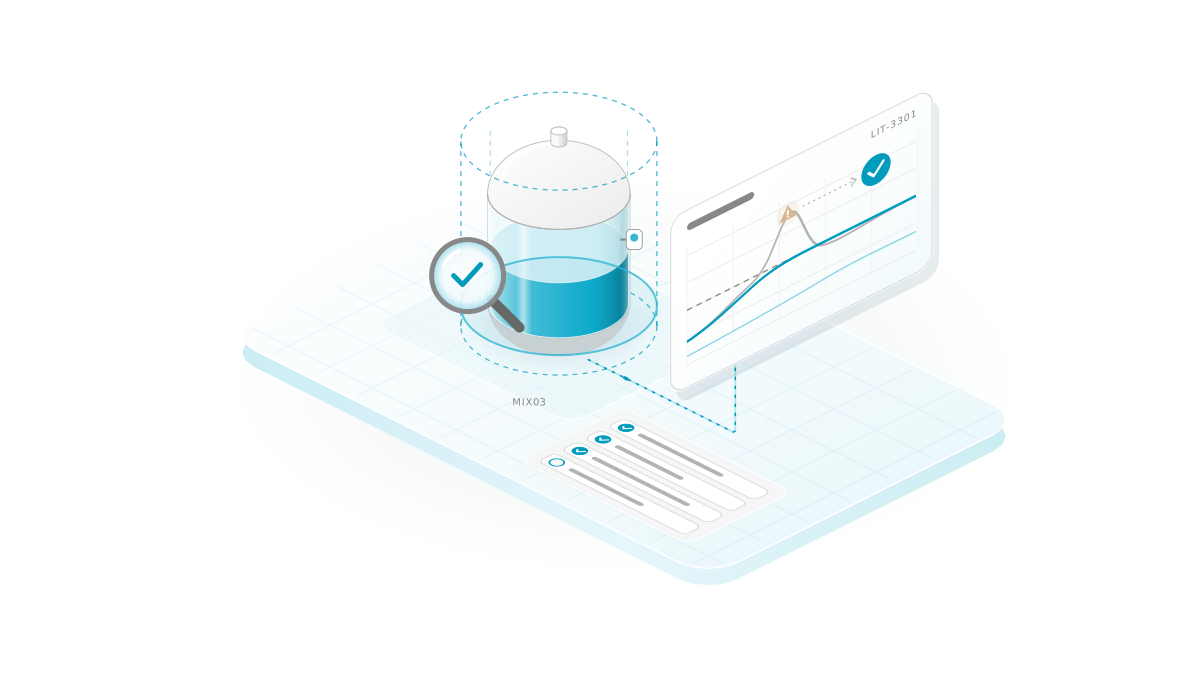
A simulation plays the role of the controllers of all plant units via OPC UA, the vendor-neutral standard for data exchange in automation. This lets us test with 290 devices before a real plant is connected.

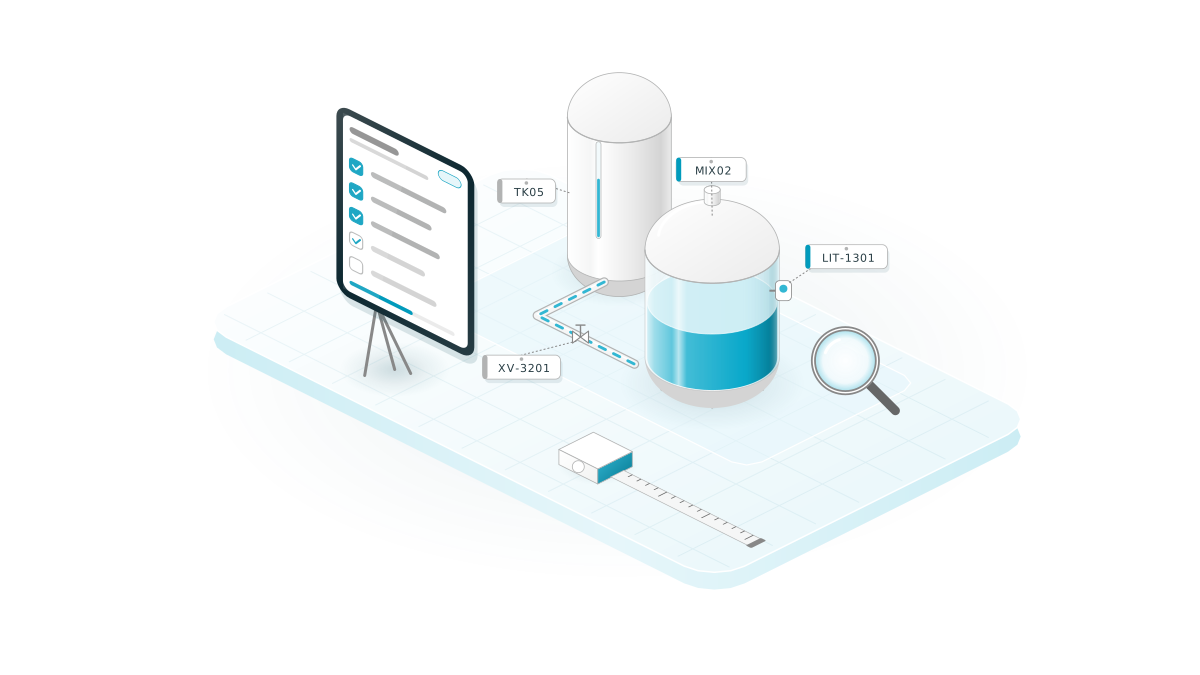
Illustration: mixer under a magnifying glass with check marks and measurement curves.

What the engineers do

  1. Run the simulation with 290 field devices and 2,846 data points at a 500 millisecond cycle.
  2. Balance quantities: one batch yields 4,407.5 L of finished syrup – the booking must be accurate to the litre.
  3. Carry out reviews: code in nine areas, the batch chain, comparison with the vendor documentation, usability.
  4. Measure the finding, prove the cause, fix it, measure again – and document everything in writing.

Decision

Measure instead of guessing

“The OEE calculation is slow” was the first assumption. Timing each sub-step showed: 86% of the time was spent on material movements. We only optimise once a measurement shows where the time actually goes.

Result Test reports with measured values; 57 of 58 batches fully booked

What really happened while building Werk Nord

These six findings actually occurred while Werk Nord was being built. Each one is documented, the cause identified and the solution verified.

The water batch

Finding

A mixer transferred 5,000 L of water to the tank as lemon syrup.

Cause

An aborted batch had left 2,600 L of water in the mixer. The next batch started without a level check, and setpoints were booked.

Solution

A batch only starts on a free and empty mixer. The measured actual quantities are booked, not the setpoints.

One row per second

Finding

At every order change, the MES reported “Error recording OEE values” – in exactly the second of the change.

Cause

The OEE recording of the MES modules from Sepasoft writes only one row per second and per line. We ended the old run and started the new one in the same call.

Solution

Changeover in two stages: end the old run, start the new run in the next 10-second cycle. This way, each run gets its own row.

Traceability without gaps

Finding

82 of 391 syrup batches over three days had no output lot. That is where traceability broke off.

Cause

A withdrawal could not be split across several lot states. Our workaround, “Blend Lot”, booked incorrectly: for tank TK01, 50,271 L against 24,213 L physically present.

Solution

First, the booking chain was repaired: after that, 57 of 58 batches were complete. Then the comparison with the vendor documentation: the intended Auto Lot Completion function instead of a custom solution, with the threshold sized to the smallest withdrawal.

Capacity, not a bug

Finding

Lines stood idle although orders were pending. First suspicion: a bug.

Cause

The bag-in-box line fills pure syrup and drew 31,000 of 34,324 L of syrup demand. Four syrup tanks are not enough for this order mix.

Solution

No code was “fixed”; instead, the bottleneck was proven. The scheduling board now tracks tank levels per type and reports a syrup shortage as a planning alarm.

History −93 %

Finding

The tag history wrote 28.6 samples per second, around 235 MB per day.

Cause

Too much was recorded, too often. On top of that came write amplification of 437 partition copies per hour.

Solution

Signals selected, tag groups and deadbands set (values are only stored above a minimum change): 2.05 samples per second, around 17 MB per day – no trend is missing.

The PLI bridge

Finding

Sepasoft Batch Procedure and the controller did not understand each other: commands and state numbers did not match.

Cause

The controller has its own state machine. That is exactly how it looks in existing plants, too.

Solution

A bridge translates commands and states at the PLI (Phase Logic Interface, the interface between batch control and plant). The first real batch ran through on the first night of the project.

We also write down where we were wrong: our diagnosis “The batch engine sets the actual quantity to zero” was wrong – the zero was written by our own bridge. This is openly recorded as an addendum in the test report.

Step 6 · Handover

Handover and operation

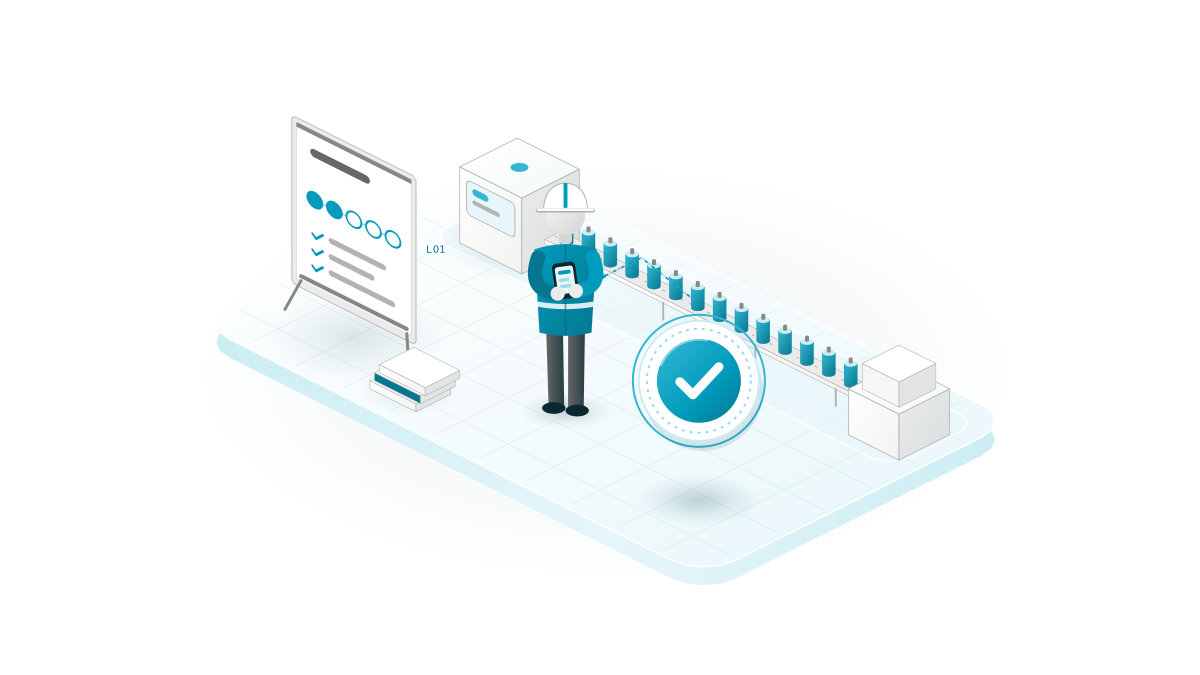
A plant is only finished when the people in the plant can operate it safely. That is why we train by role and remain available after start-up.

Illustration: shift supervisor with a mobile phone in front of a filling line, next to a check mark.

What the engineers do

  1. Role-based training: operators, shift supervisors, planning, quality assurance, administration – each on their own screens.
  2. Set up guest access: view without logging in, operate only with a role; on the phone also via passkey.
  3. Hand over documentation: architecture, operating concept, setup scripts and test reports.
  4. Support operation: chargeable 24/7 support for existing customers, further development in small, tested steps.

Decision

View freely, operate with a role

Logging in to the control room is optional. Without logging in, you can see everything but cannot trigger anything. Every command requires a role, is validated in the backend and logged with the user. This keeps the control room open to everyone who needs to be informed.

Result Trained roles, documentation, setup scripts and a dedicated contact person

Result

What was created

In six steps, an empty project folder became an operable plant – simulated, but with everything a real project needs.

simulated field devices
290
OPC UA data points
2.846
screens in 7 projects
≈ 200
languages, 5,011 terms
14
history data volume
−93 %
to the first demonstration
6 days

Werk Nord shows how we work: understand first, then plan, then build – and measure every finding before we fix it. Six days after the start, we demonstrated the plant to Inductive Automation and Sepasoft. Because model, screens and translations are generated by script, a second plant is essentially a copy with different master data.

Discuss your project Calculate your line’s OEE
Call Discuss your project
ZewaTec Automation – go to homepage

Language

Language

Same page, different language